Refining Wayfair's web nav
Prompting cross-category exploration to increase customer conversion
Research teams at Wayfair found that multi-class browsing sessions showed 2x the conversion of single class but accounted for only 15% of sessions on mobile vs 22% on desktop.
My goal was to create a feature driving increased multi-class browsing on mobile. Closing this gap has a data based projection of a potential $2.5M increase in GRS .
Year
2023
Disciplines
Product Design
Prototyping
User Research
A/B Testing
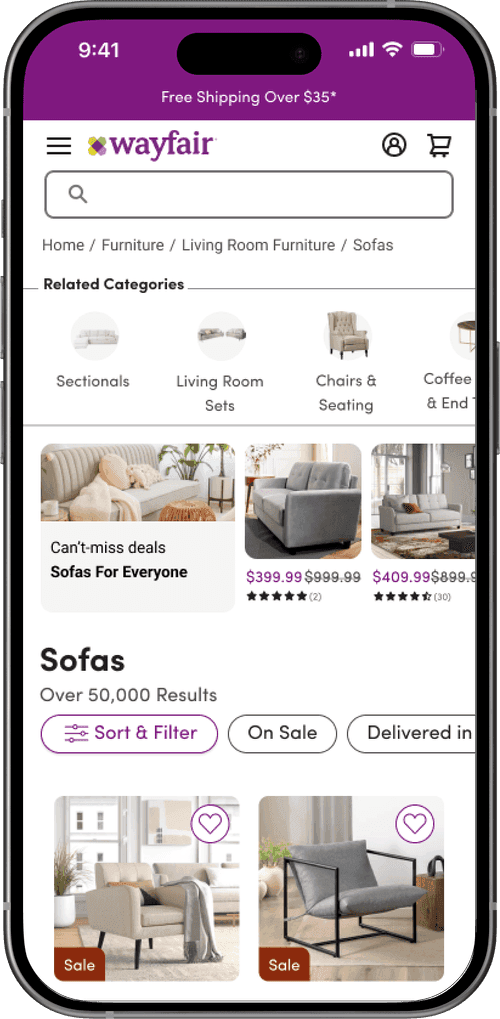
The solution: Image-based navigation carousel
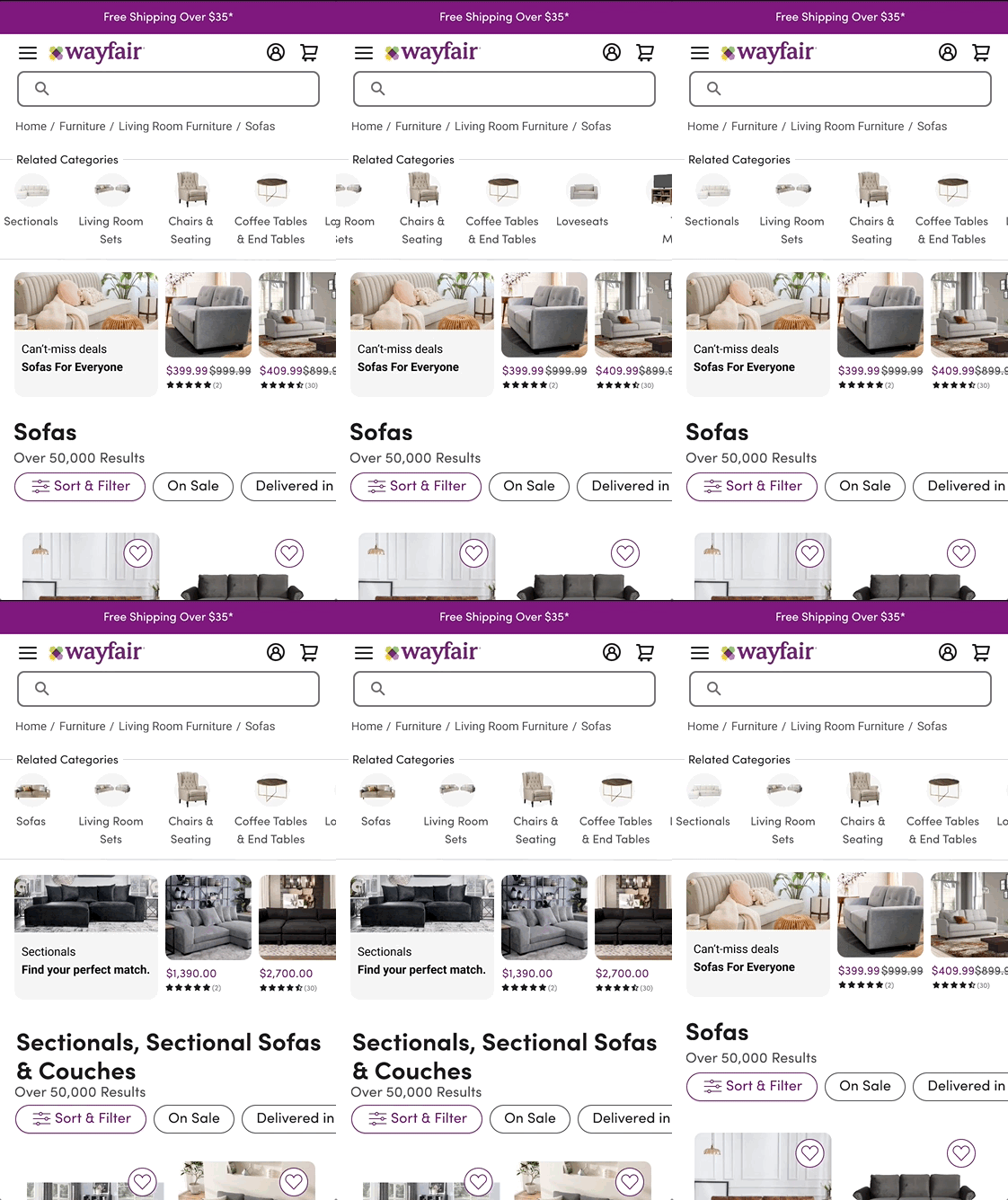
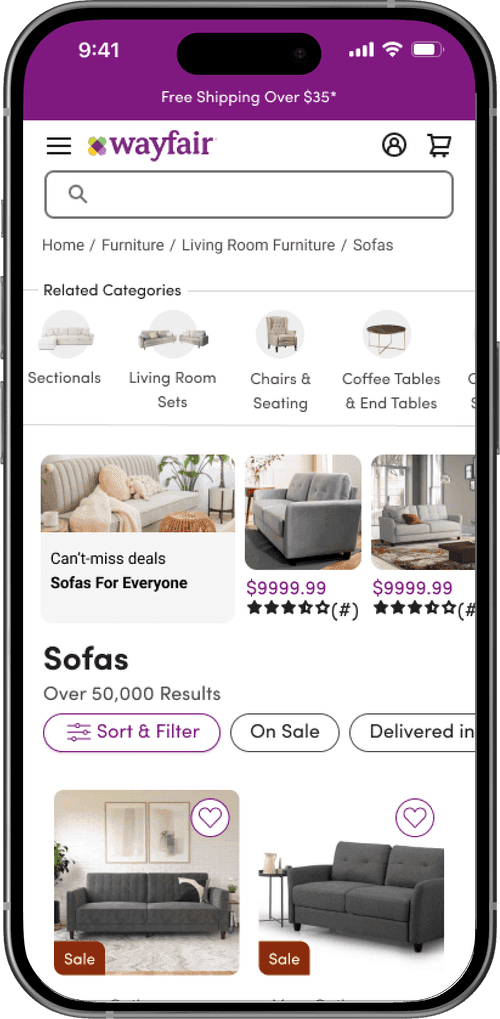
"Related Categories" navigation feature is located below breadcrumbs to associate it with other nav elements.
The 3.5-card carousel is consistent with patterns seen in competitive audit. It serves to optimize options presented while limiting visual clutter.
Stacked image (background circle with class image overlay) and title on each card improve visual search.
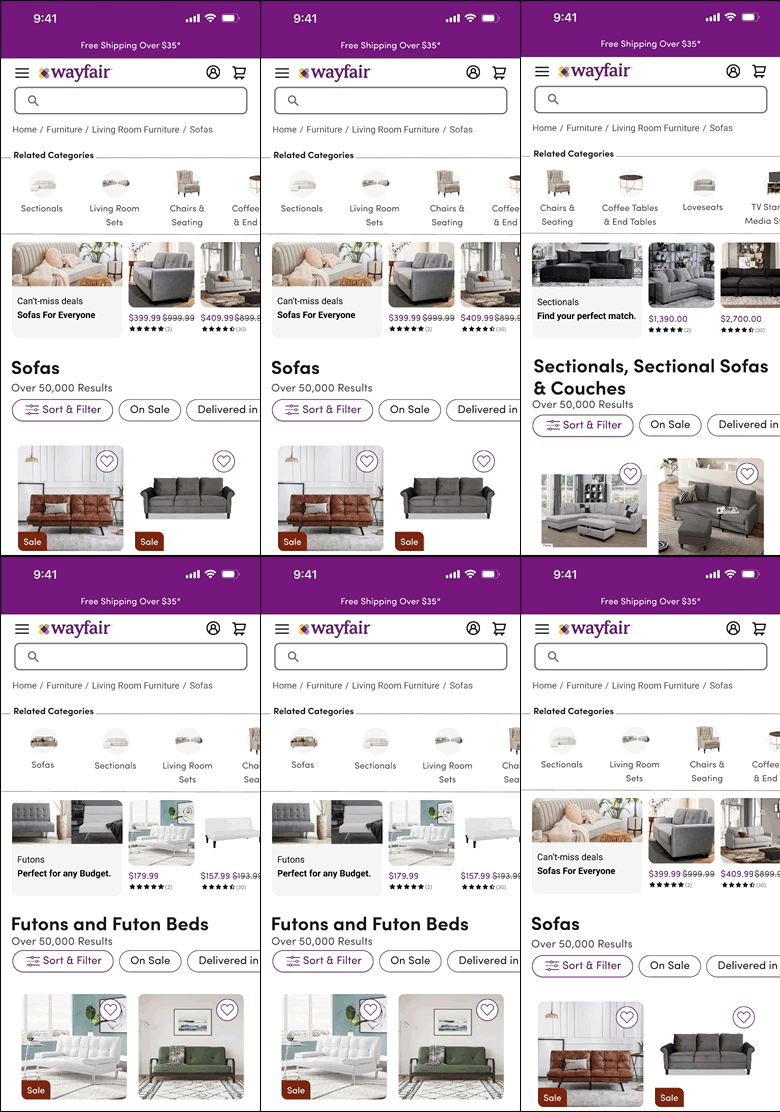
The background circle and image overlay create visual consistency across varied class images.
Current class is dropped from the carousel to reduce redundancy and prevent user error.
Preliminary research
Desktop vs. mobile experience
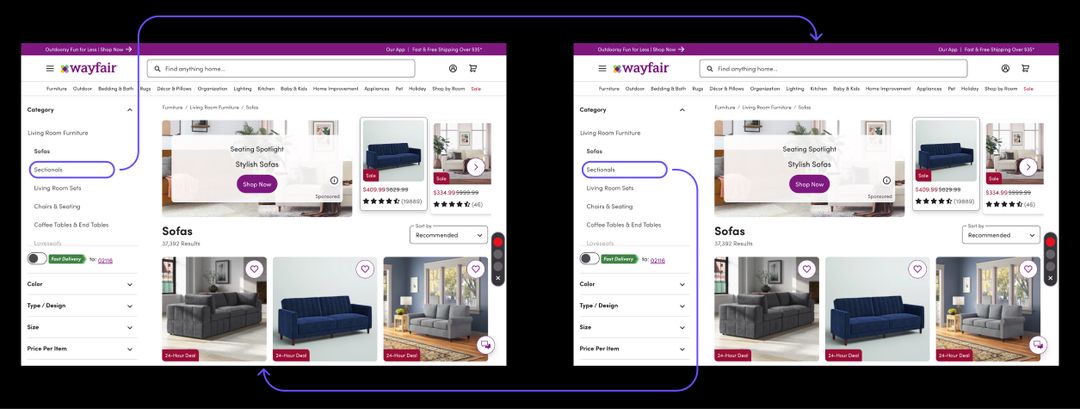
Desktop Category Navigation: Single Step Process
Moving between furniture classes requires a single user action.
The navigation feature that allows travel between classes is clearly presented on the page.
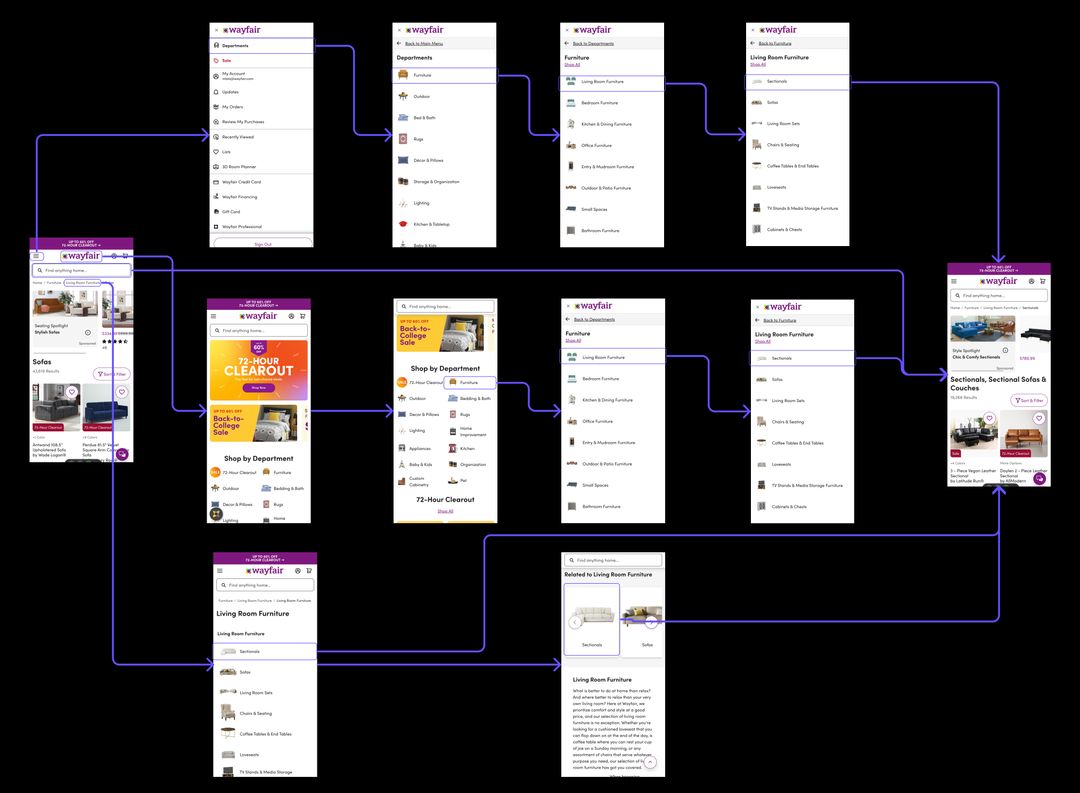
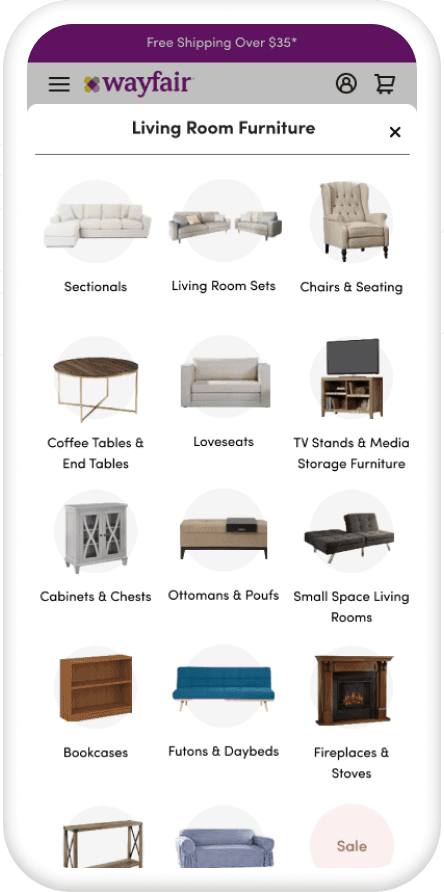
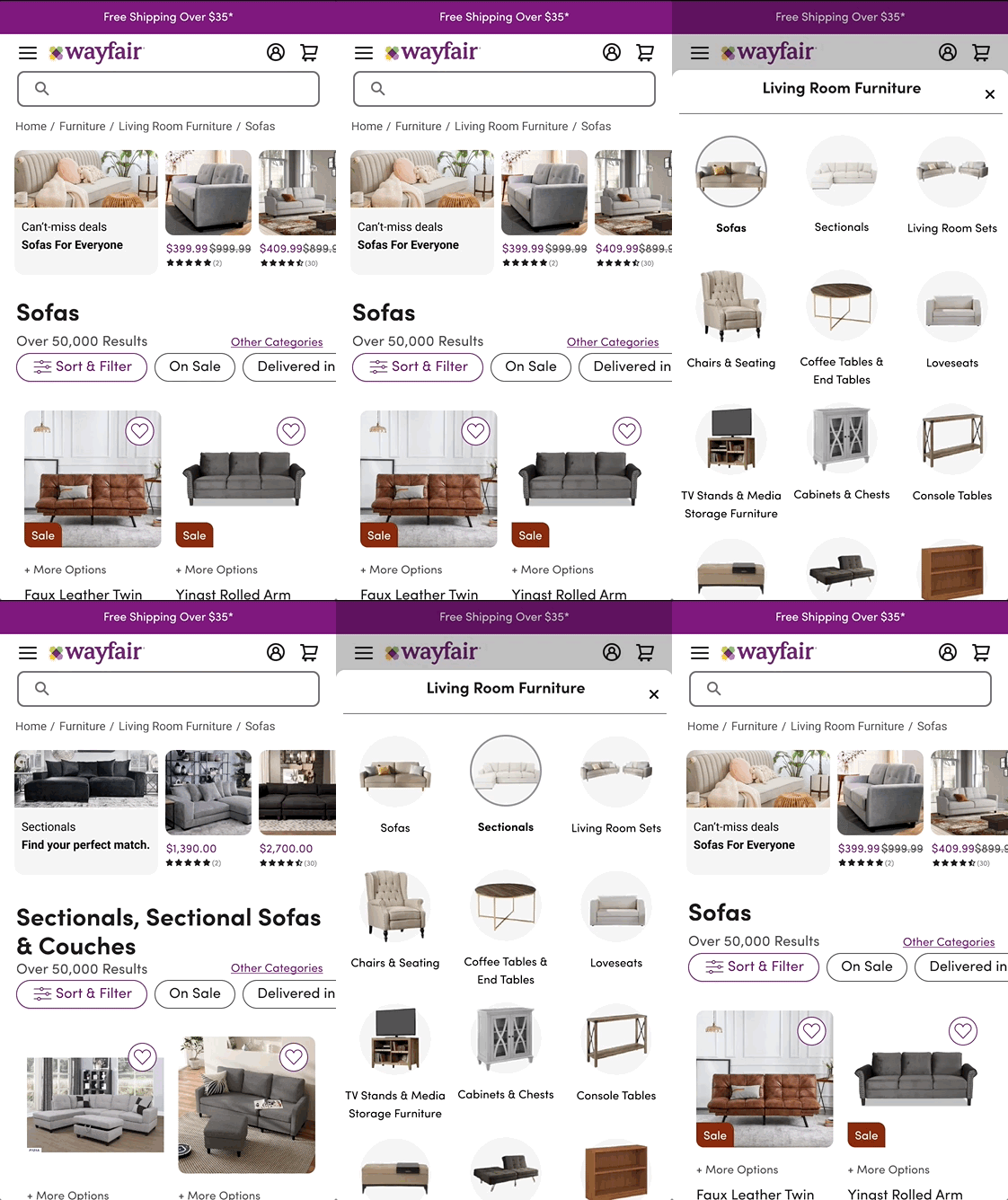
Mobile Web Category Navigation: Multipath, Multistep Process
Multiple interactions along indirect pathways are required in order to change classes.
Features indicating the necessary actions to change classes are not clearly presented on the page.
Competitive Analysis
11 e-commerce Platforms Audited
100%
Of competitors audited had mobile category navigation,
9
Competitors used carousel-based category navigation.
8/9
Carousels featured product imagery or illustrations.
Low fidelity exploration
Sorting Out The Spacing
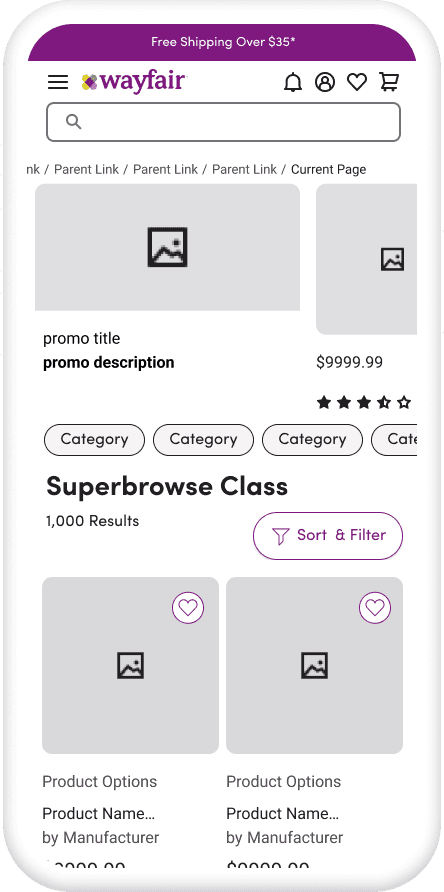
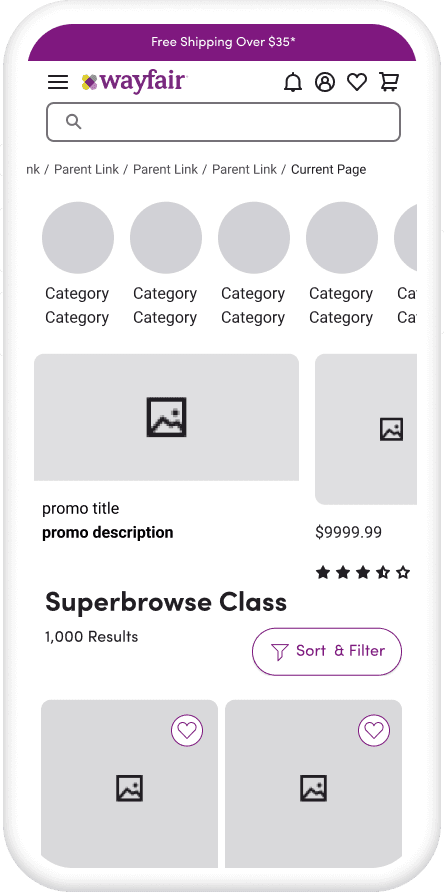
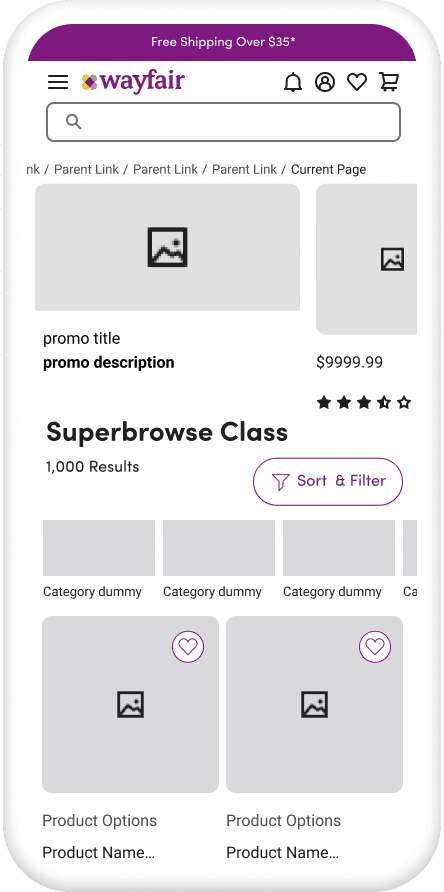
I explored a number of patterns with the knowledge that carousels were a user-friendly and recognizable way to implement category navigation on screen.
A central focus was to minimize distractions from browsing, while clearly presenting the option to shift course.
Optimizing for Images
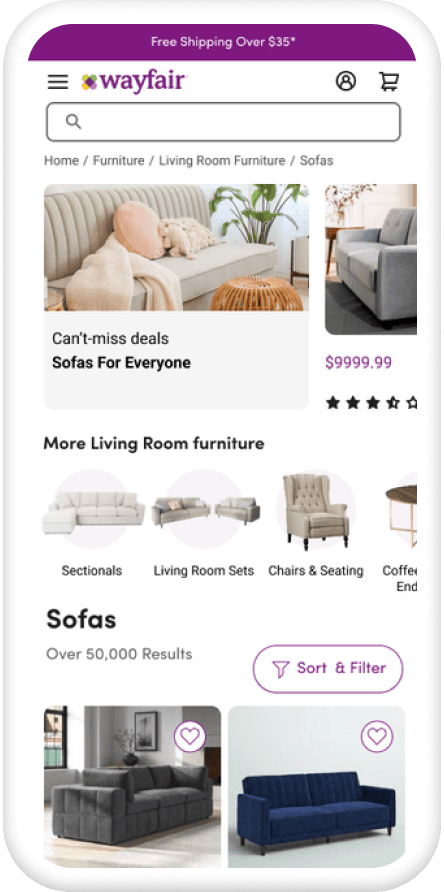
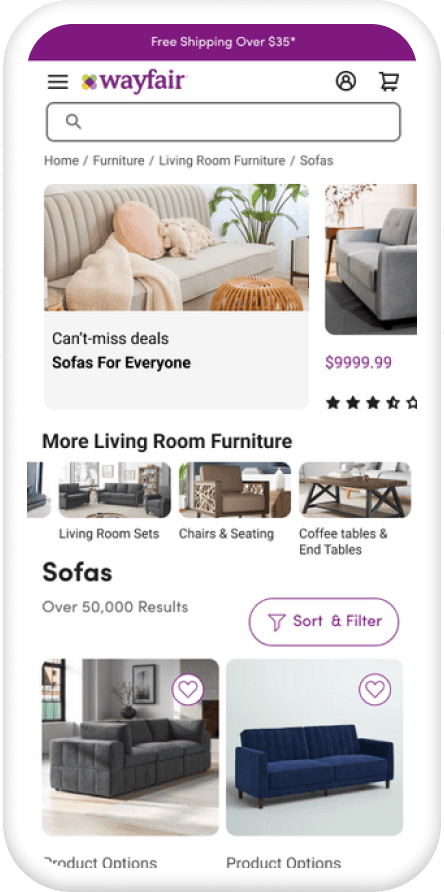
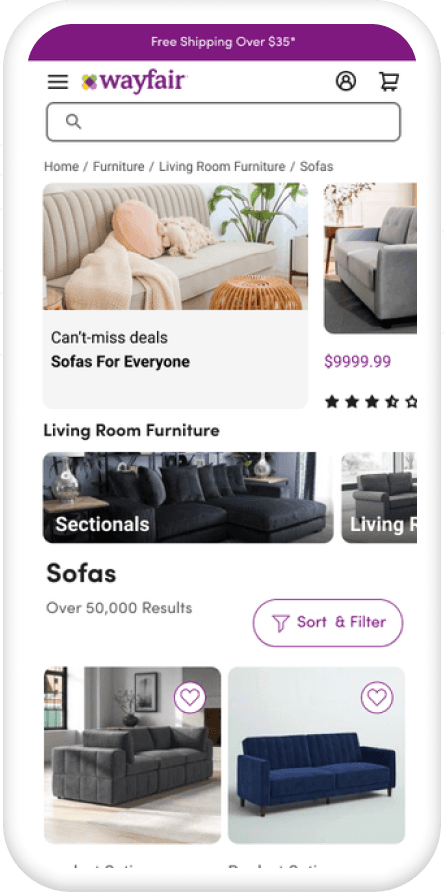
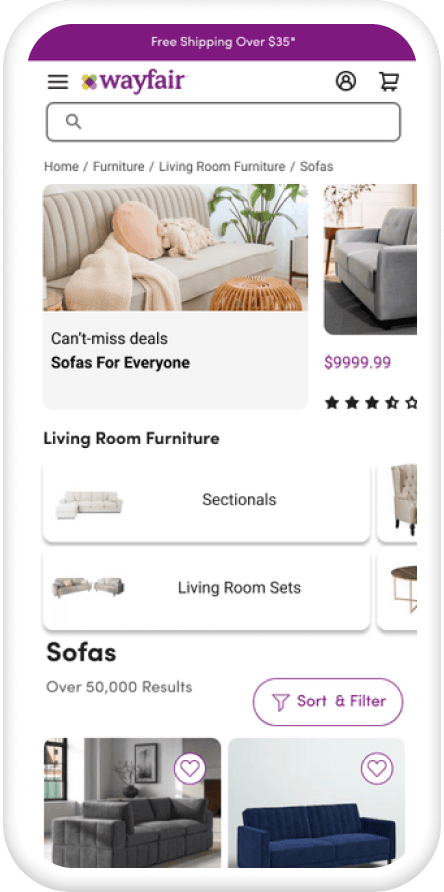
In-house research and my competitive analysis both showed that imagery was critical for customers while shopping. Reflecting these findings I focused on the use of existing product imagery in the carousel.
Considering Page Intent
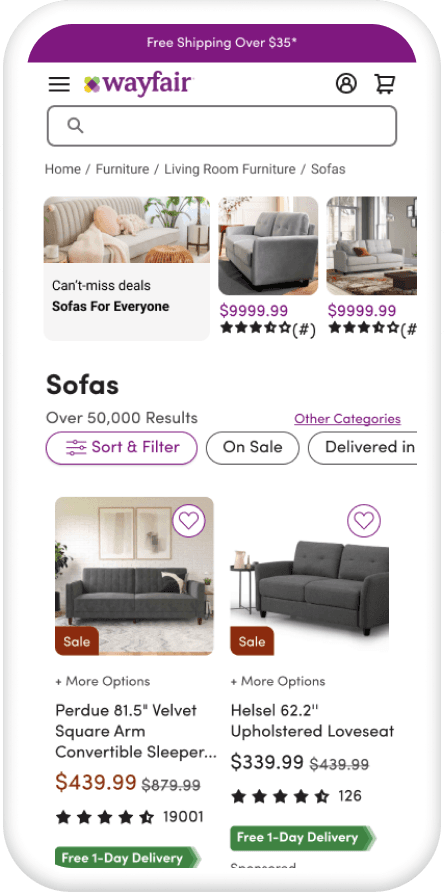
Cross-functional partners from the data analysis team emphasized the importance of product grid visibility, and keeping images above the fold.
Led to exploration of compact linked "action card" design.
Due to the amount of mid-fidelity exploration, I created my own component library to expedite iteration. This allowed me to increase the range of my exploration and make the most of my time in the early design phase.
Prototyping for comparative tests
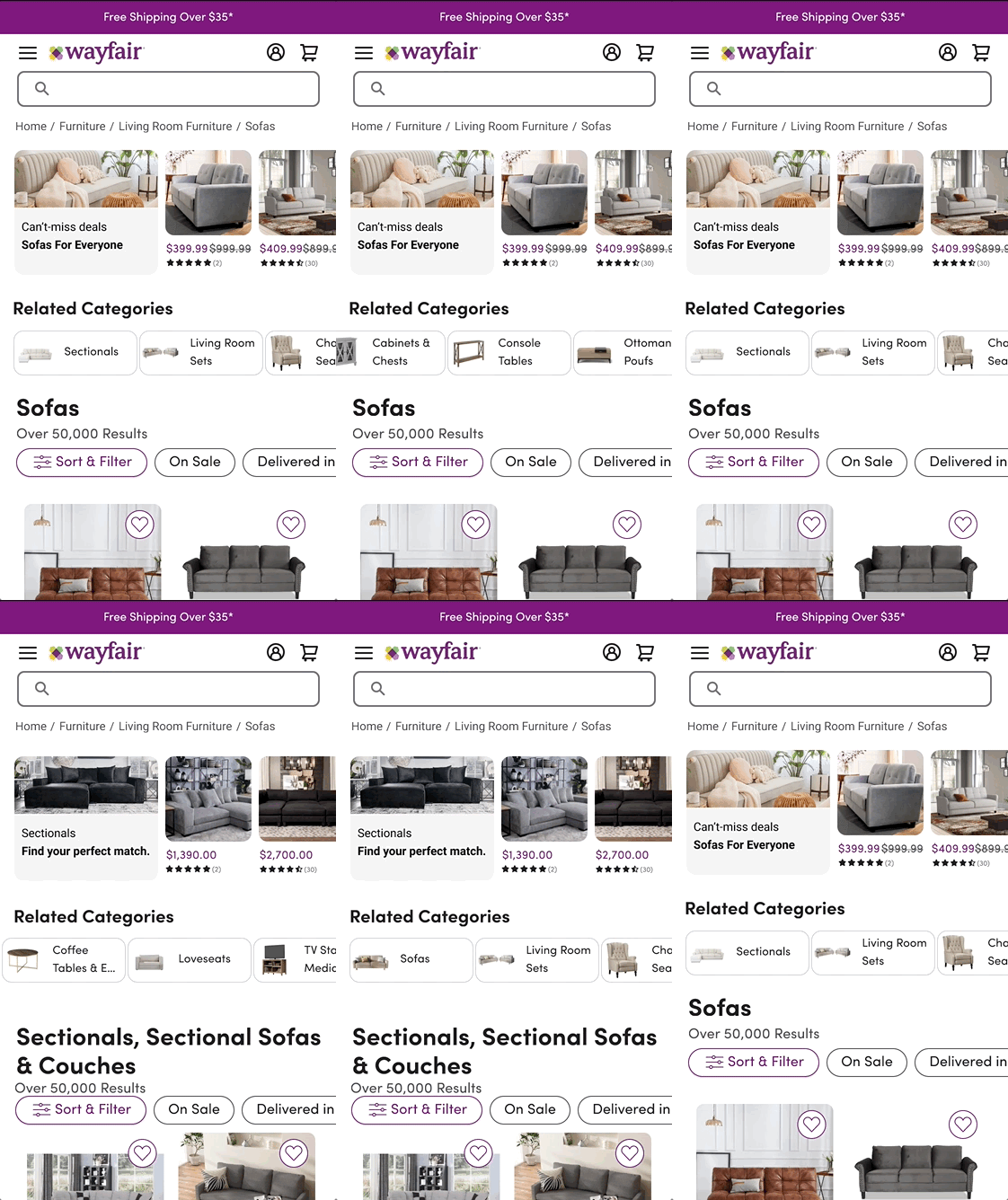
I created 3 prototypes following the initial research and design iteration I conducted.
Key Research Questions
Engineering team signed off on design feasibility and I proceeded to deploy two comparative tests with 6 users each on UserTesting.com
Key questions were
Is the carousel or linked action sheet pattern more effective at presenting the opportunity to switch categories?
Is positioning a navigation element at the top of the page or below the current class title more intuitive?
Which card format is most effective at leveraging visual assets in the category navigation process?
User testing insights
Findings: Test 1
Top of Page Carousel VS Linked Action Sheet
VS
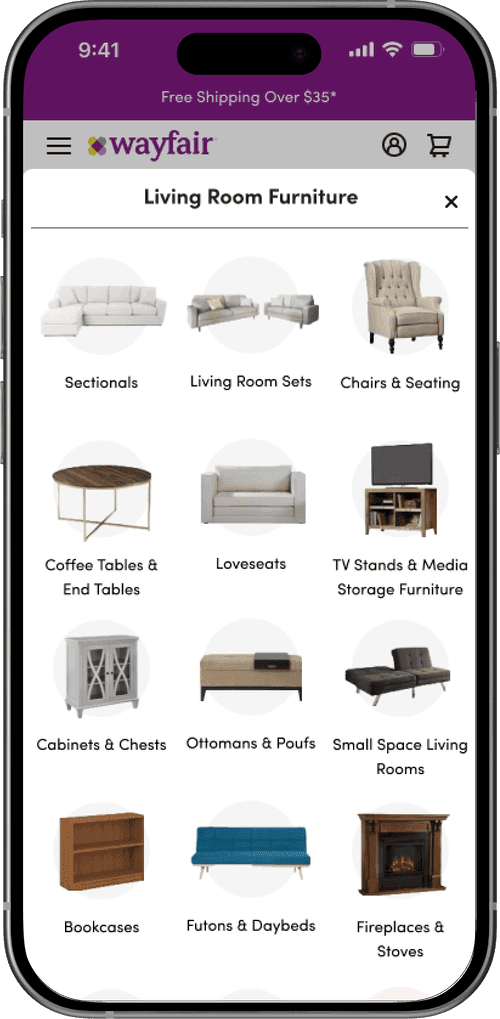
Users favored the carousel over the action sheet
6 of 6 of users selected the carousel over the action sheet as a better experience.
Discoverability led to high engagement
The action sheet suffered as category navigation was one level down from the browsing surface.
Swiping interaction and images simplified navigation
Users felt the visually searchable carousel and swipe interactions led to an efficient navigation experience.
Findings: Test 2
Top of Page Circular Image Carousel vs Mid Page Horizontal Card Carousel
VS
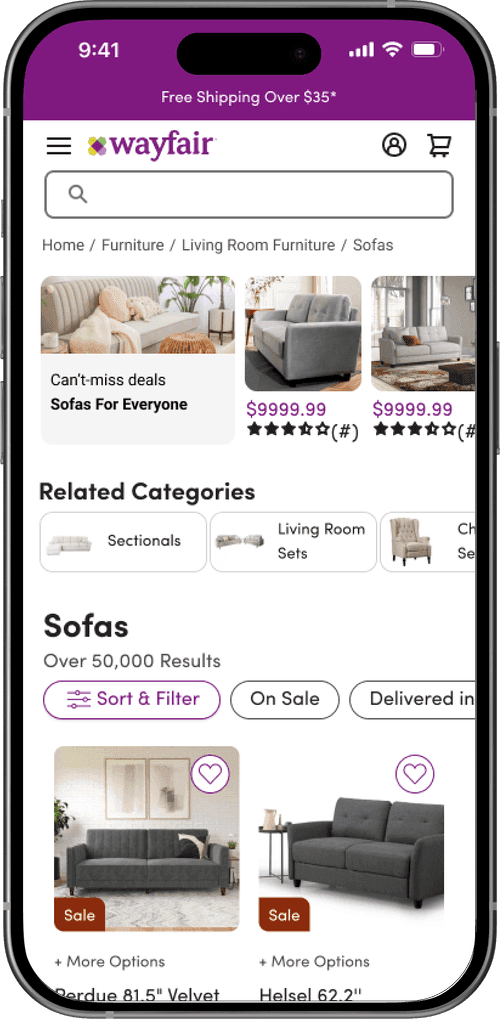
Top of page position clarified function
Positioning the carousel top of the page with other navigation elements communicated its purpose clearly.
More visually represented classes added value
One user noted the utility of having more classes exposed at once in the circular image carousel.
Category nav is used as a means to narrow search
Subjects used the carousel to narrow search before filtering, and weren't surprised by page redirect.
Evidence-based Final Design
Based on the findings from my user tests the data indicated I should iterate on the circular image based carousel placed at the top of the page. I refined details and presented at final rounds of crit.
With the results of my test and prototype demos I was able to win buy-in from cross-disciplinary partners previously opposed to the use of a carousel design.