IoT retail demo
Ensuring simulated IoT functionality is accessible to shoppers
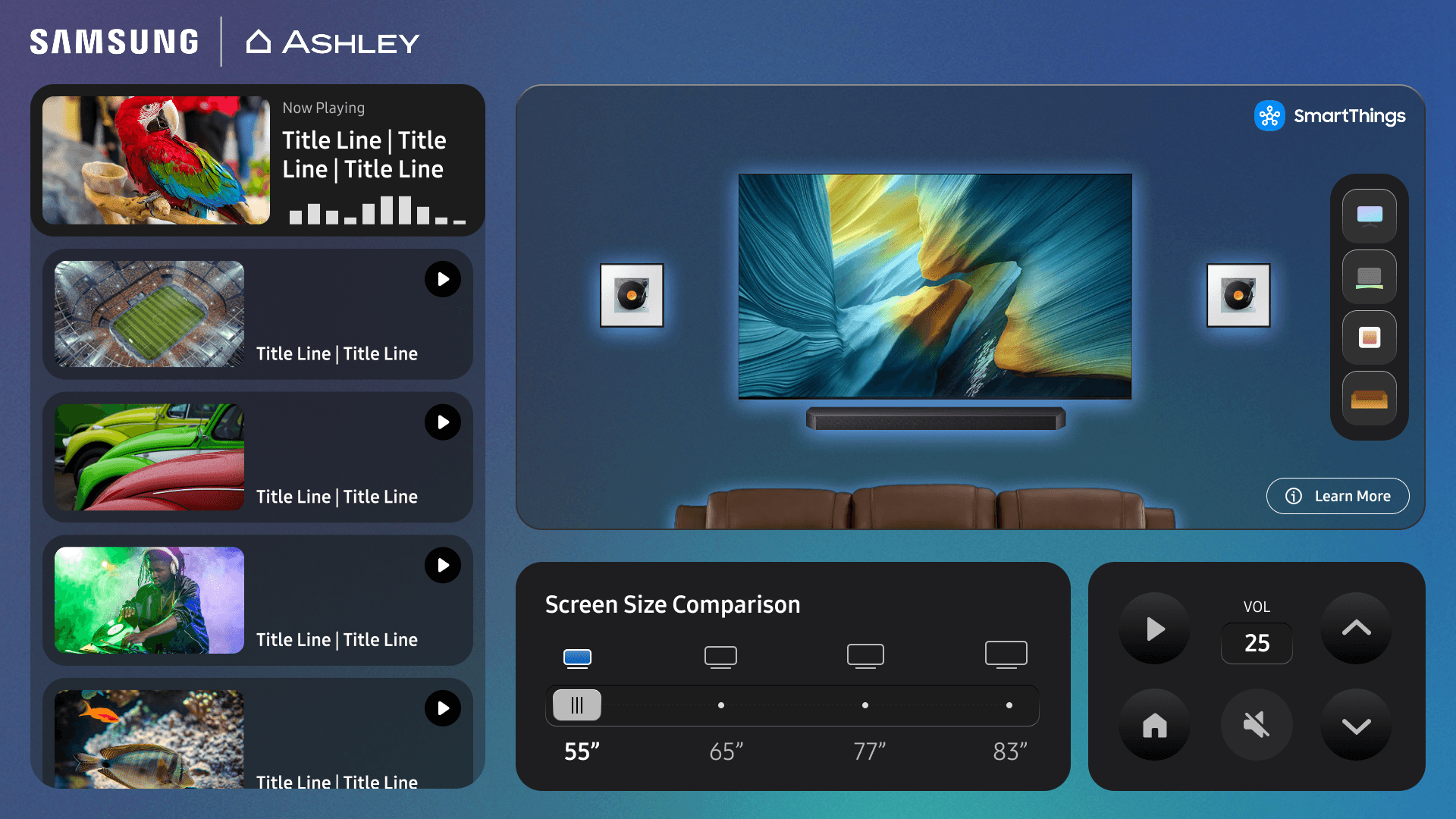
Due to variables in the in-store environment SmartThings retail demos had become unreliable, expensive, and were a severe limitation on expanding the in-store demo model as they drove the core of the customer experience.
Samsung, Rockbot, and Ashley created a modular, fail-safe, and easy to install solution. I led UX design, aligning on brand requirements and system constraints in a sprint to deliver a live MVP by CES 2026 and on continued development.
Year
2025 - ongoing
Disciplines
UX Design
Motion Design
Visual Design
The retail experience pilot drove immediate adoption at 3 locations, demo instance installation at Samsung US HQ, and greenlit a roadmap to expand to over 40 locations in 2026 & 2027.
Background
This solution was created as an updated interface replacing the SmartThings app as the controller for retail demos installed at Ashley Furniture stores across varied lifestyle themed scenes.
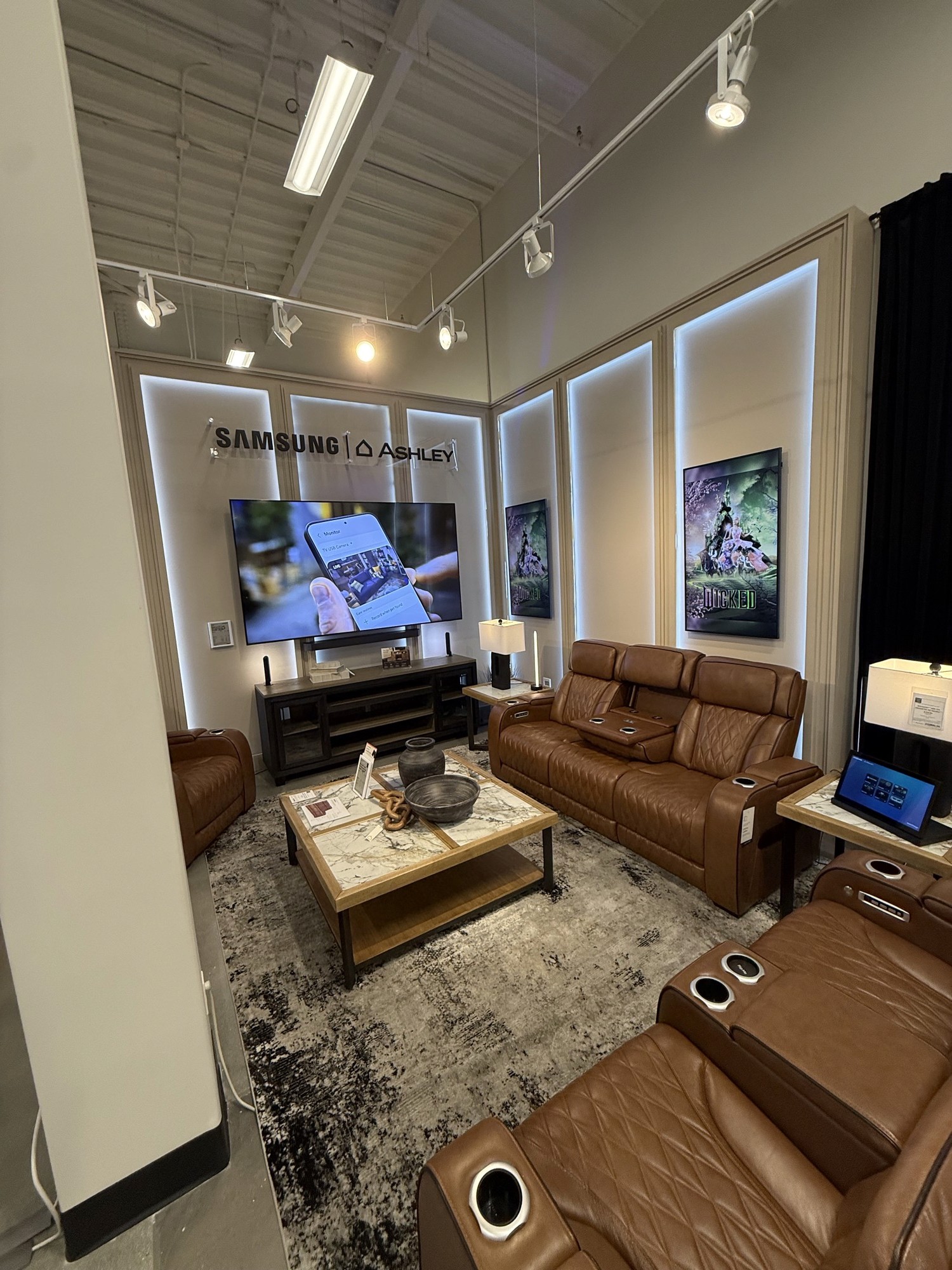
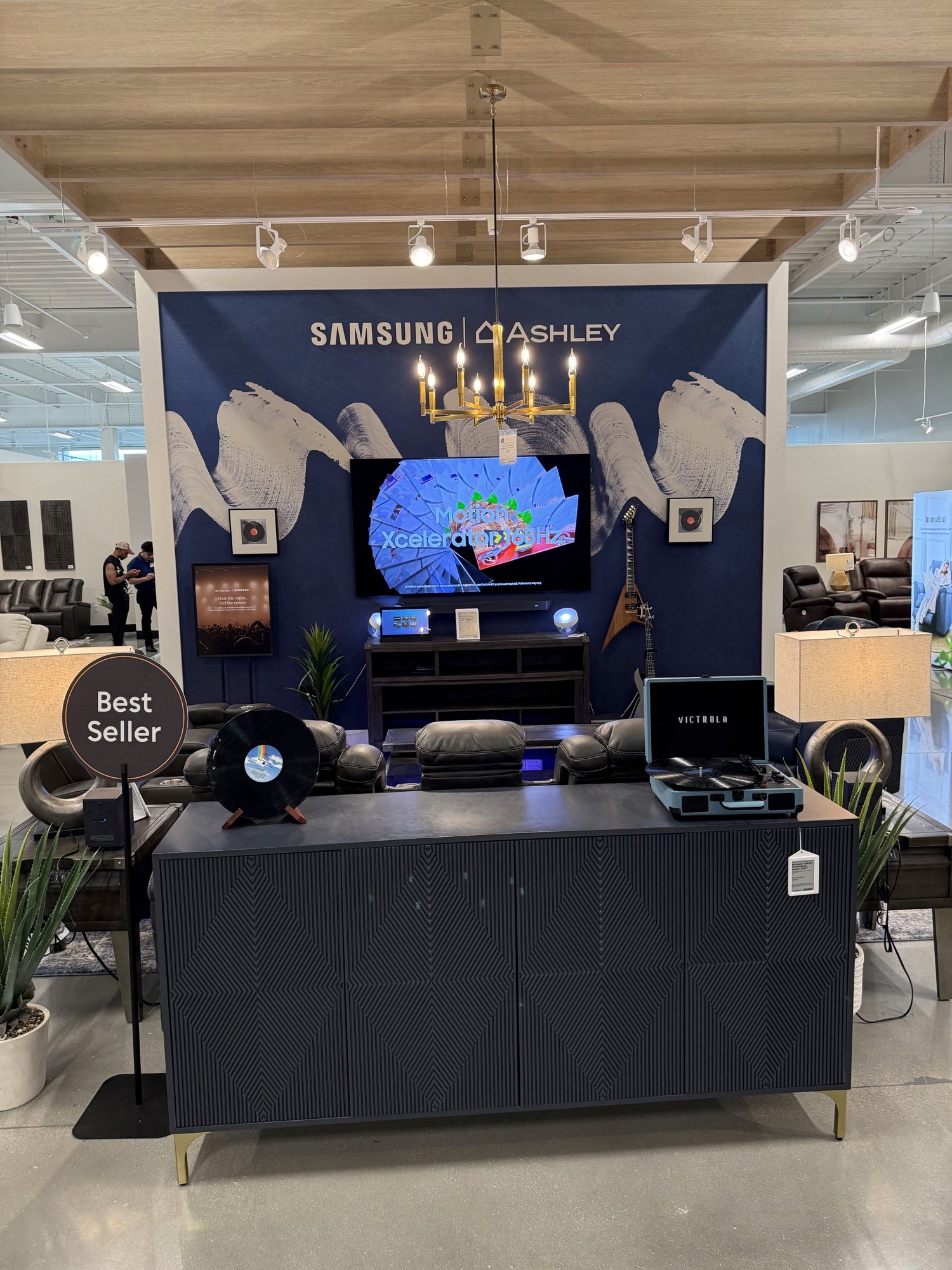
An initial version of a demo interface was created by Ashley to replace the SmartThings consumer application prior to my involvement in its design pictured below.
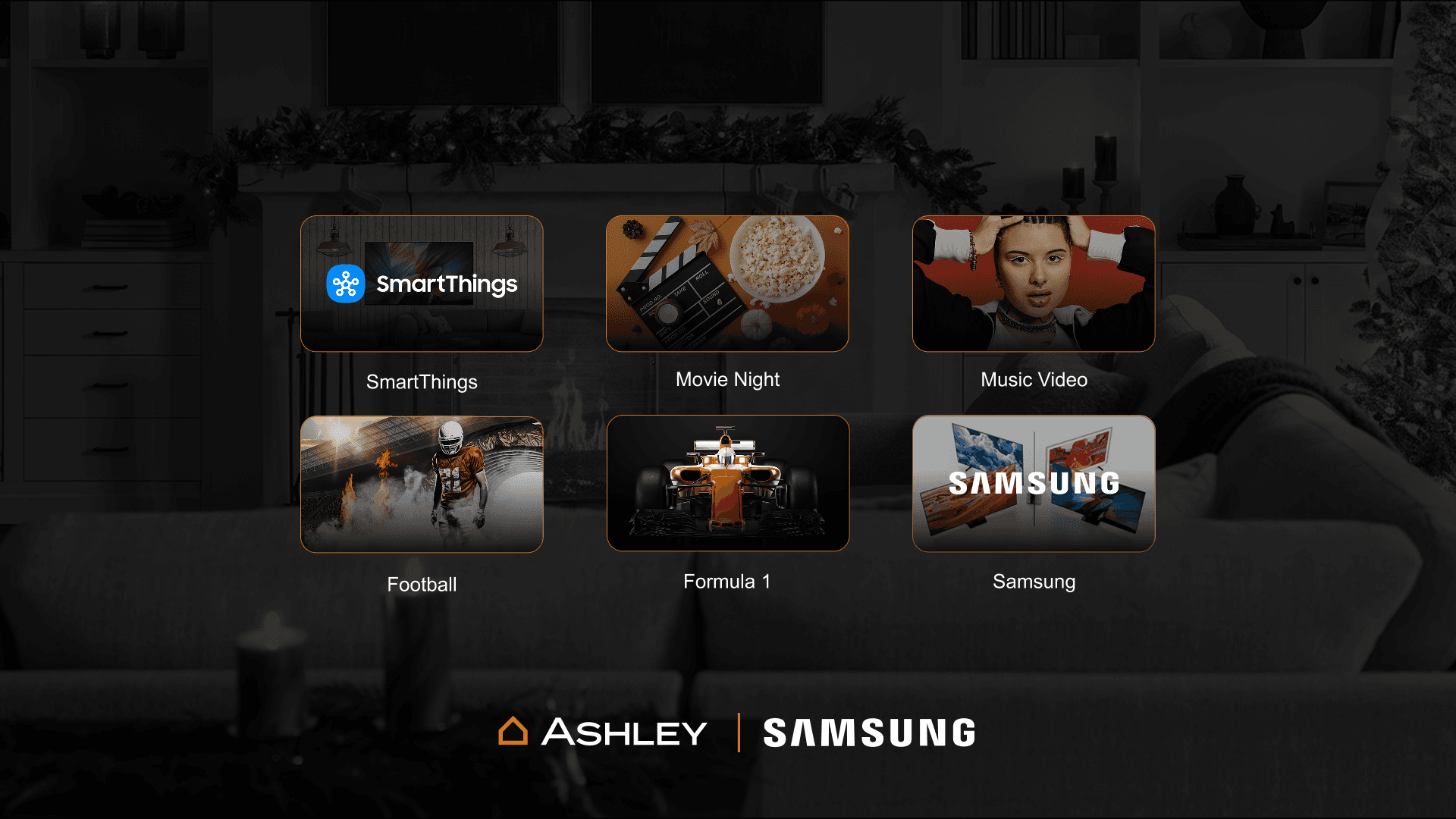
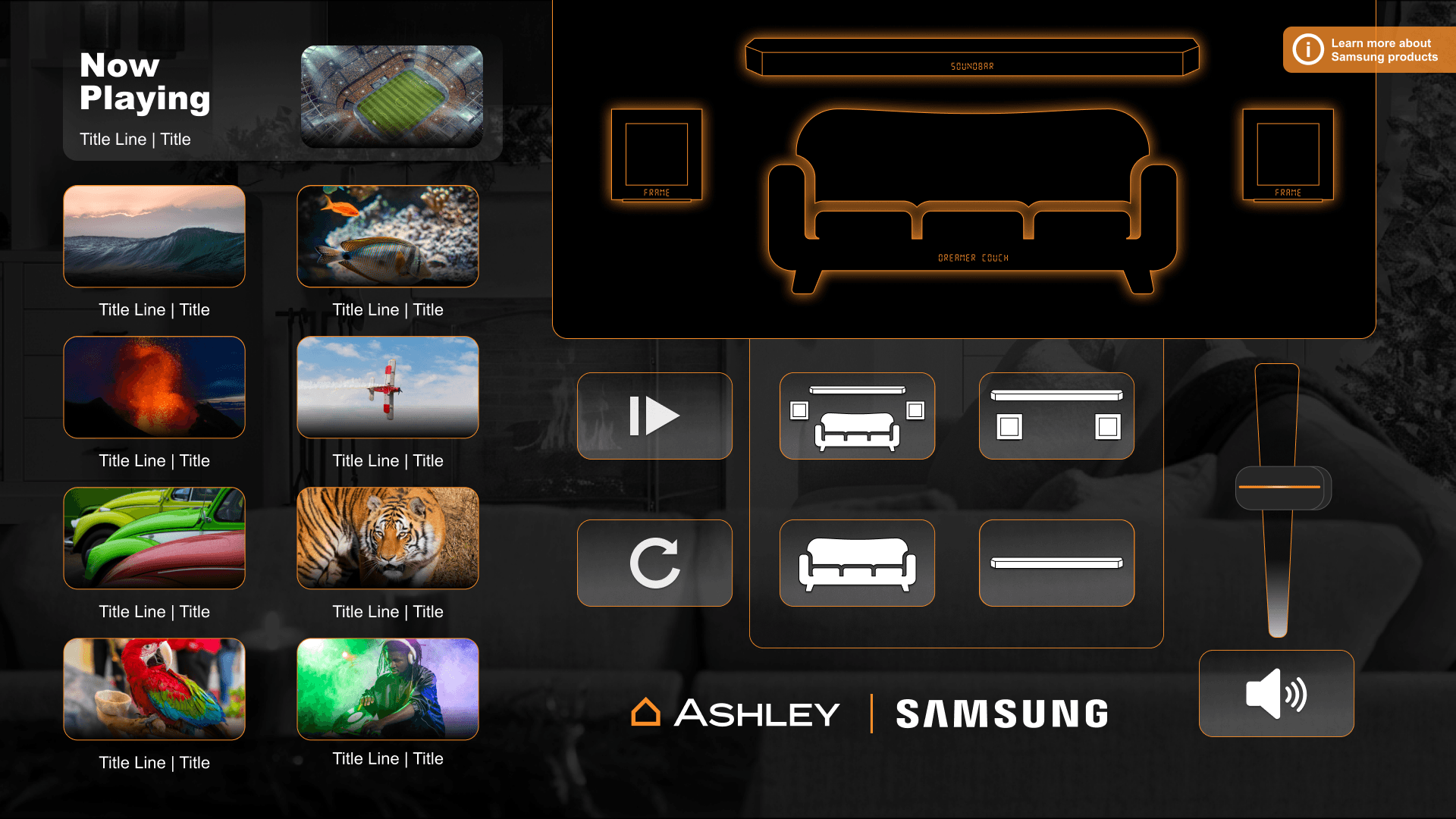
I advocated for my team to fund the expansion of the interface and took over design and content management for the new software build prior to implementation at scale to ensure brand alignment and experience ownership.
Design efforts
Single press trigger
To prevent user error and ensure experiences were responsive and engaging, I introduced SmartThings branding to the simplified front page of the experience. A single card press immediately creates responses on the tablet and in the scenes TV and speakers.
The system allows for 9 playlists to be populated so I created a dynamic grid to accommodate them all. Cards feature a standard 16:9 thumbnail image
The play button is an on-card CTA that creates an expectation of responsiveness and is animated to provide quick feedback where the interaction occurred.
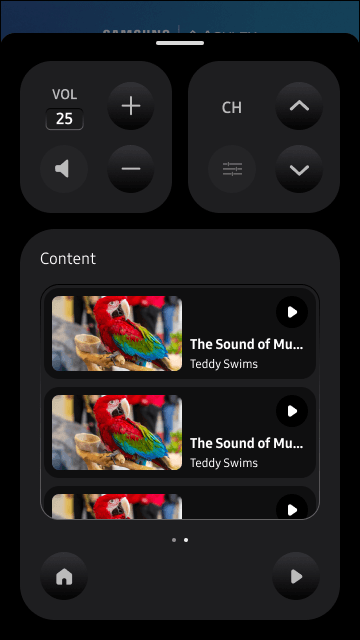
Scrollable content index
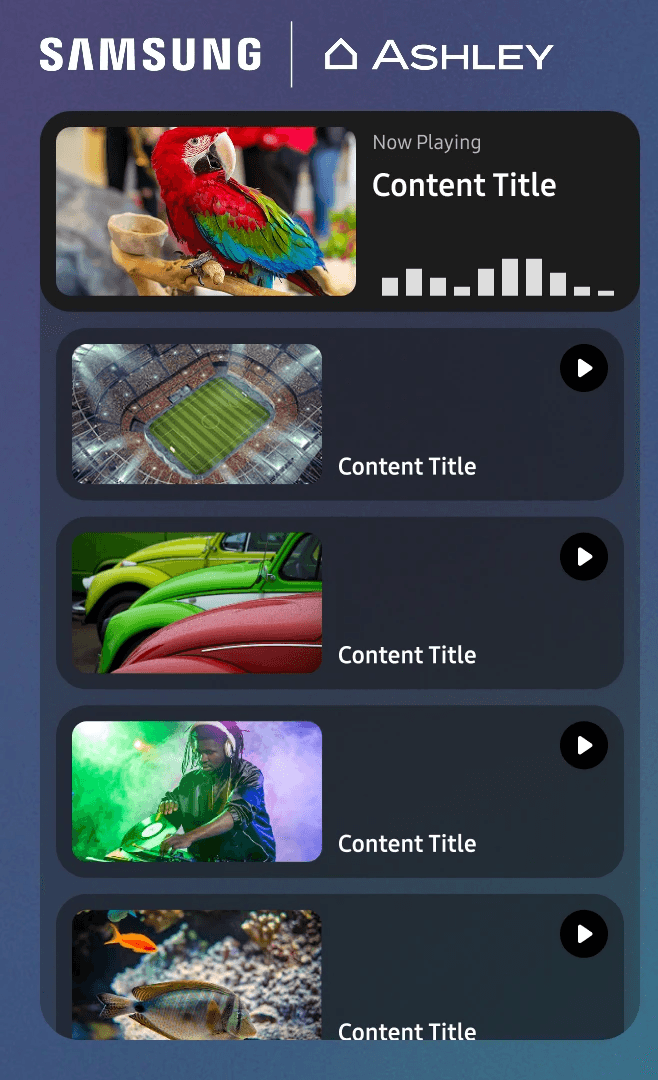
I merged SmartThings styling and standard video streaming menu layouts. This allows simplified browsing and aligns with typical media selection mental models.
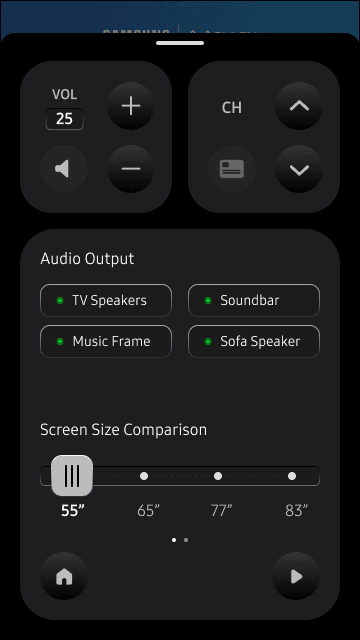
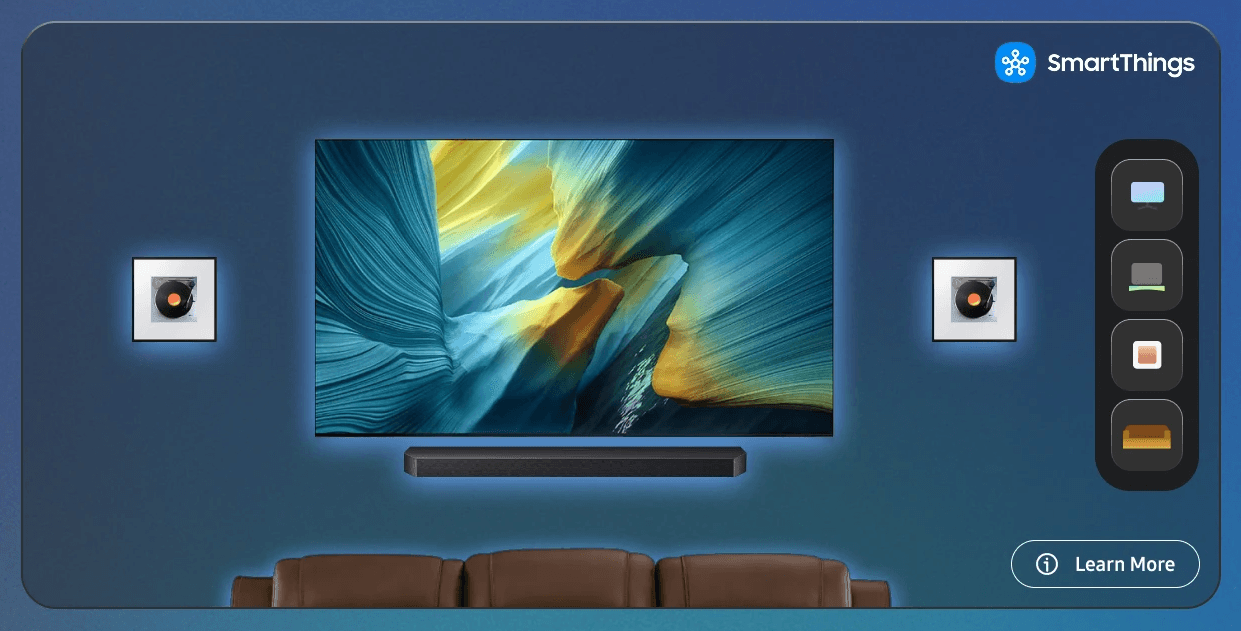
TV screen scaler and micro smart remote
In-scene TVs are typically the largest screen size offered per SKU. The screen size selector is a sales enablement tool for direct comparison of options during shopping/selling.
The mini smart remote represents a key cross-device ecosystem feature and displays one of the benefits of owning a Samsung TV and using the SmartThings app on mobile.
Audio Playback planogram
The audio device planogram toggles sound between devices demonstrating the value of external speakers. It serves as a focal point to draw user attention and provide a clear audio response in the immediate environment.
The layout is modular and easy to customize from scene to scene based on devices displayed.
QR Scan mobile control and registration flow
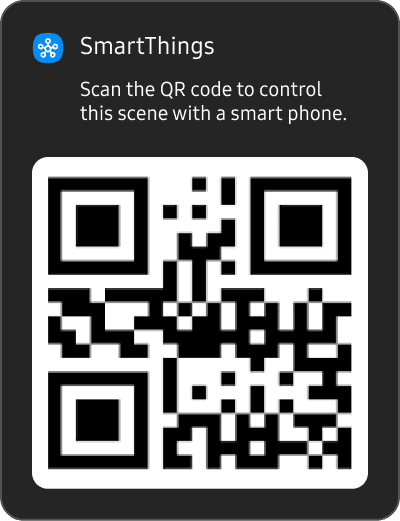
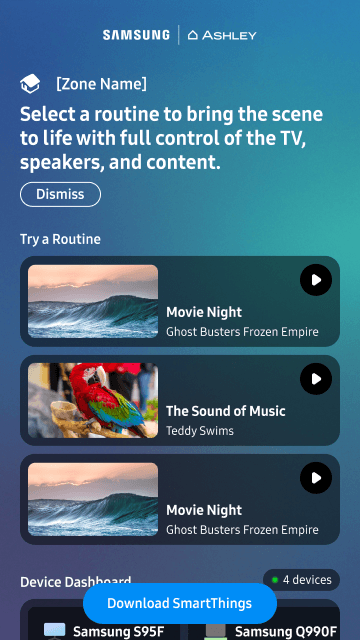
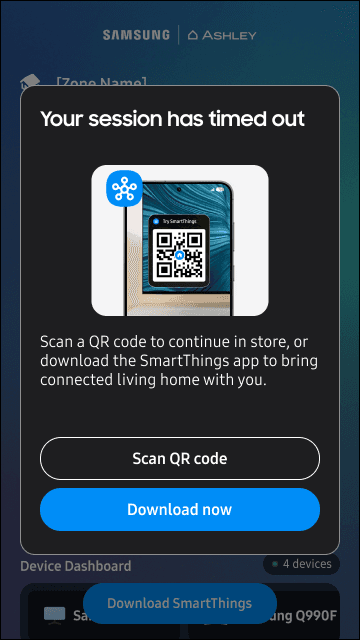
In order to represent the complete ecosystem benefits of SmartThings the team aligned on creating a QR-scan driven mobile experience allowing customers to control all devices from a dynamic web page
This feature also presents a pathway to download the SmartThings application and prompts user registration for SmartThings alongside product purchase.
System Expansion
Repurposing assets for TV comparison wall
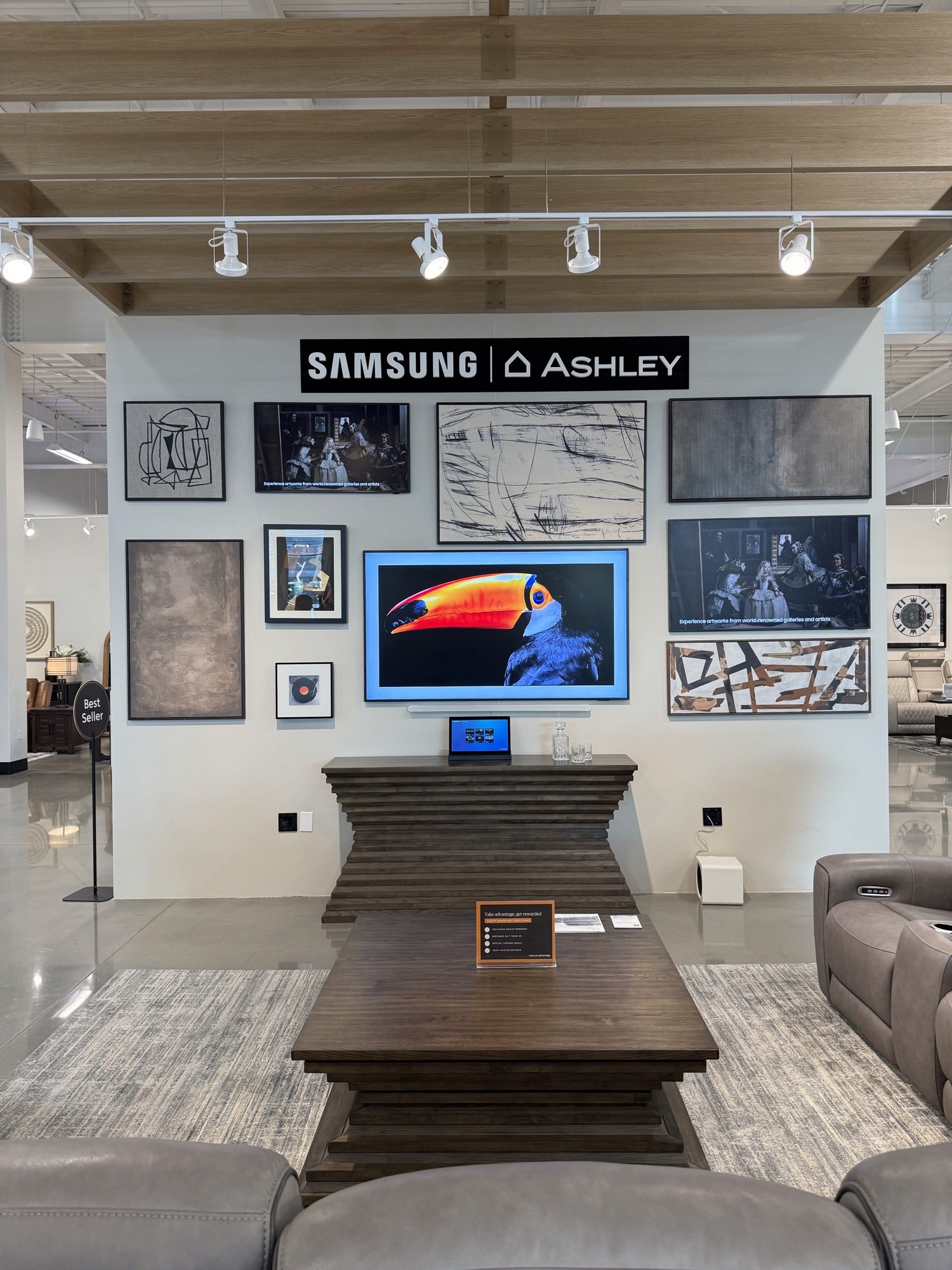
Ashley also wanted an interface to drive comparison between TVs on their 8-display 24-foot TV wall.
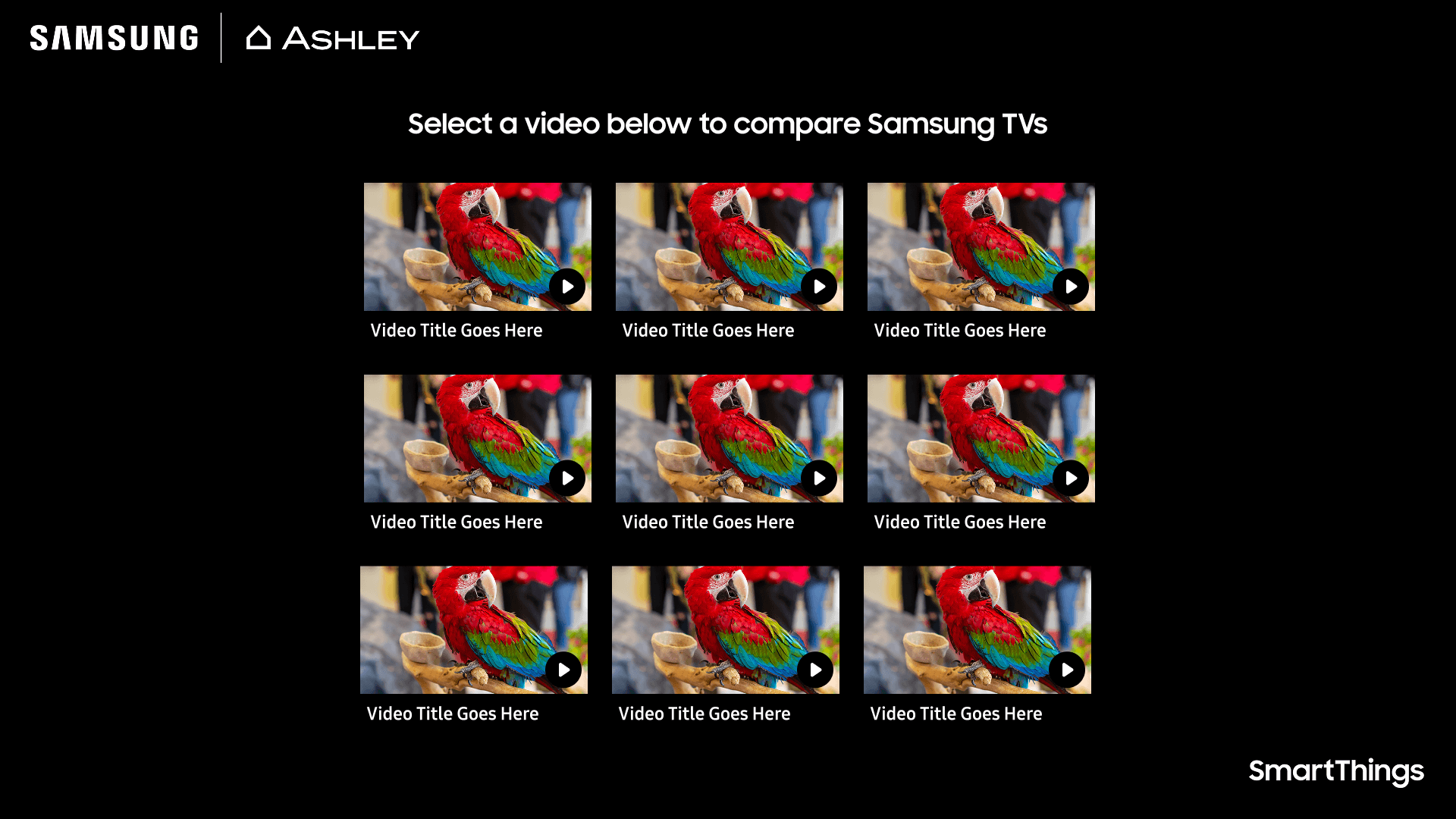
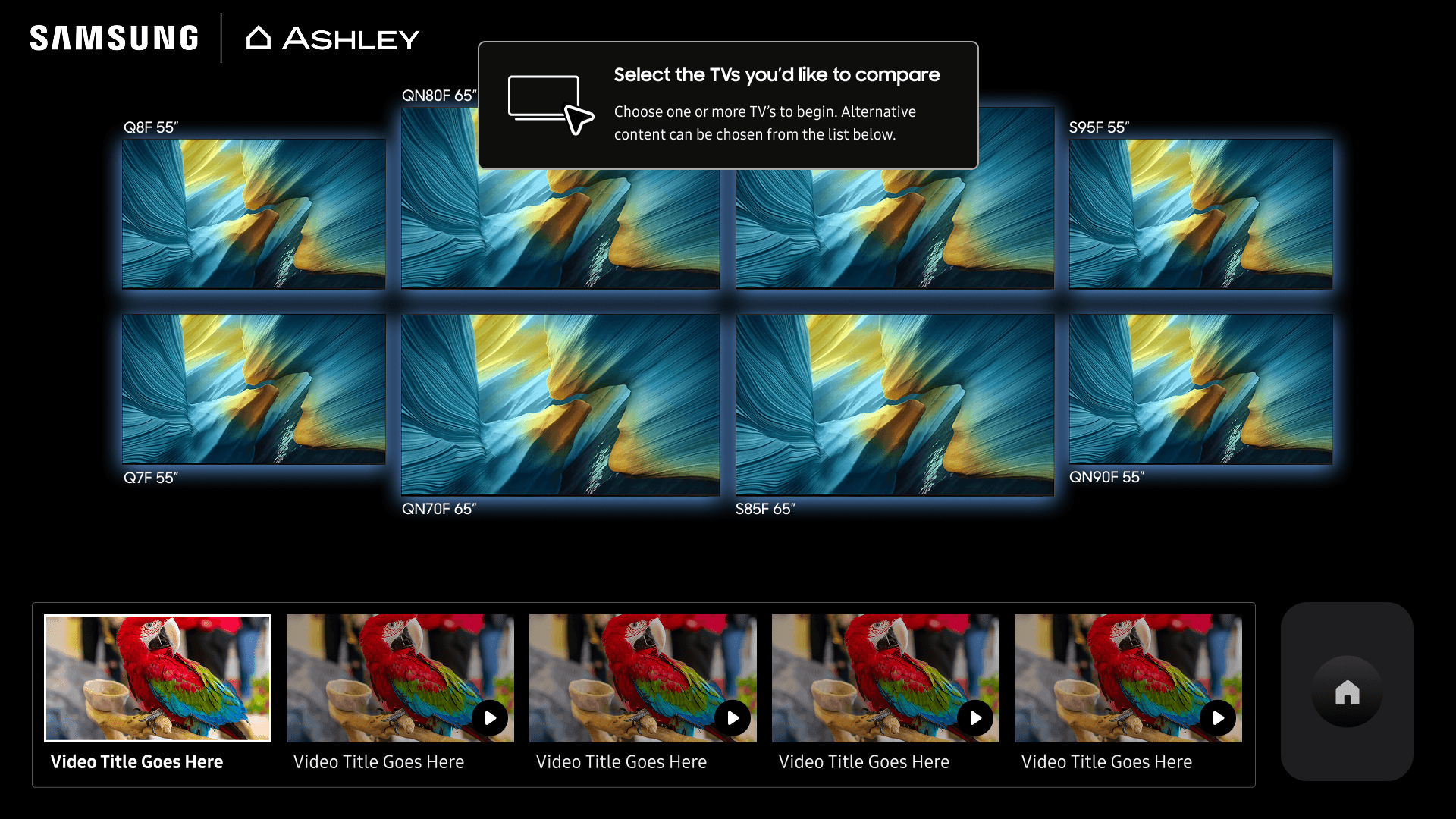
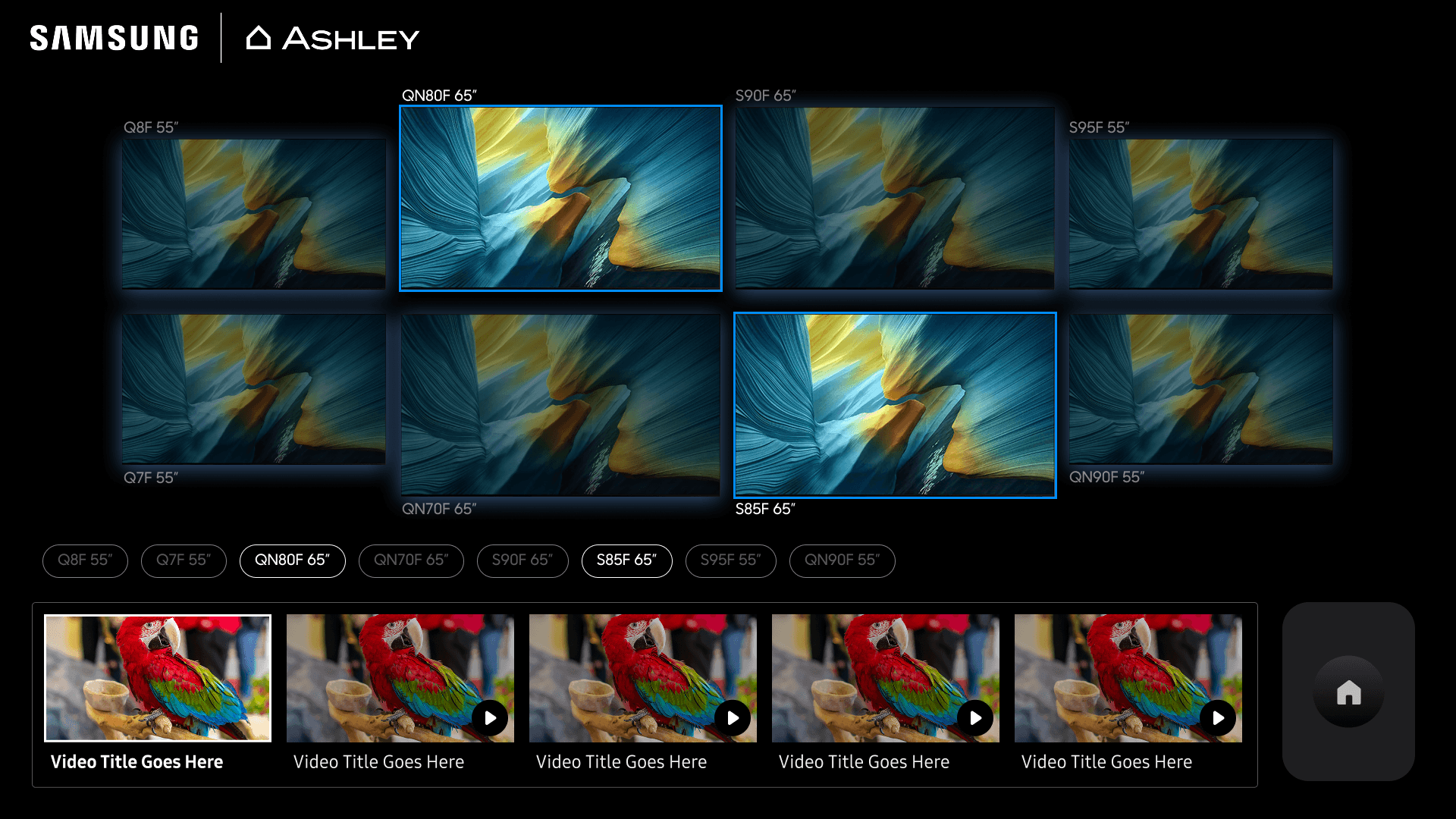
I collaborated with Rockbot to repurpose and visually differentiate tablet interface assets and select functional content for this experience as well.
Outcomes
Live, driving interest, and set to expand
Once the software was completed I travelled to the store to install hardware and execute final software tests with Rockbot's VP of Solutions.
Demoed the experience to VP of SmartThings Korea, Samsung US CMO, SmartThings US Director of Marketing and Ashley Furniture Executives driving interest from Samsung US, Samsung Korea, and additional retail partners.
A live demo instance is installed Samsung's New Jersey headquarters. The experience is set to scale to over 40 locations in 2026 and 2027.